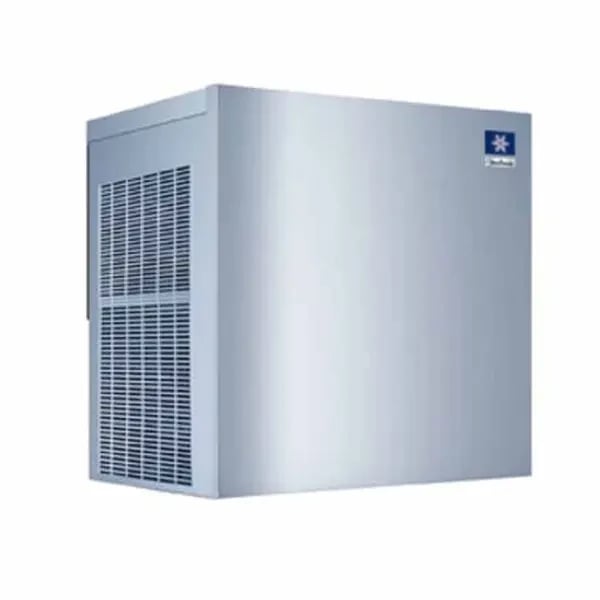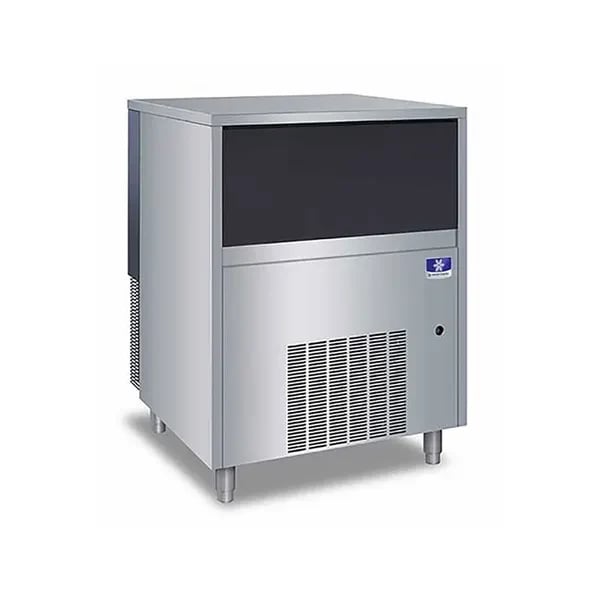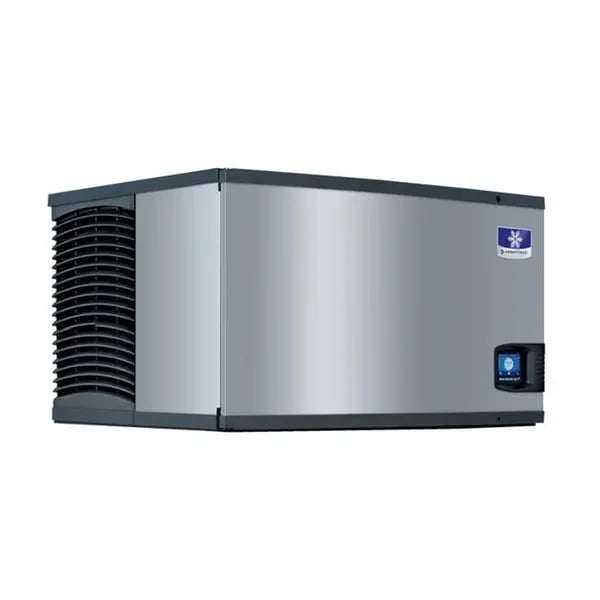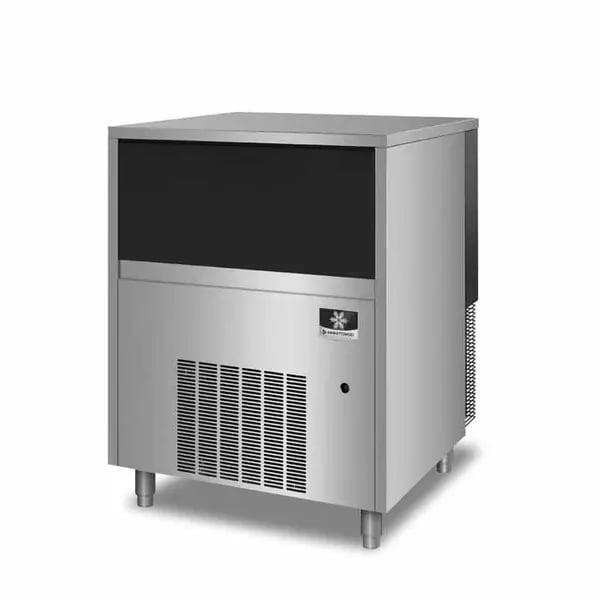
A commercial ice machine rarely fails all at once — it usually gives warning signs for days or weeks before it stops producing ice entirely. Catching these early means a $20-$100 part replacement instead of a spoiled service or an emergency ice delivery on a Friday night.
1. Ice is thin, small, or cloudy
Thin or incomplete ice usually points to a water flow problem — a partially clogged water inlet valve or a scaled-up water distribution system. Cloudy or opaque ice (instead of clear) is almost always a water filtration or water-quality issue rather than a mechanical part, so check the filter before ordering anything.
2. Longer freeze cycles than usual
If a cycle that used to take 15 minutes now takes 25, the refrigeration system is losing efficiency — often a failing condenser fan motor, a dirty condenser coil, or (on air-cooled heads) restricted airflow around the unit. This is also a common early sign of a refrigerant issue, which should go to a licensed refrigeration technician rather than a DIY part swap.
3. The machine won't stop making ice (or won't start)
A machine that overfills the bin or never triggers its harvest cycle usually has a failed bin thermostat or control board sensor — the part that tells the machine “the bin is full, stop making ice.” See our thermostats & controls category for replacements.
4. Water pooling or leaking at the base
Leaks are almost always a worn seal, gasket, or O-ring at a hose connection, drain, or pump housing — inexpensive parts that are simple to replace but easy to ignore until they cause water damage. Our full guide on replacing seals, O-rings, and head components covers exactly this category of part.
5. Unusual noise from the compressor or fan
A grinding, rattling, or squealing noise that wasn't there before usually means a fan motor bearing or a mounting bracket has failed — parts that are inexpensive to replace but, if ignored, can lead to a full compressor failure, which is a far more expensive repair.
Finding the right part for your machine
Ice machine parts are highly model-specific — record the full model and serial number from the data plate (usually inside the front panel or on the back of the unit) before you order anything. Email info@prokitchenspares.com with those numbers and a description of the symptom, and we'll confirm the exact part — see our FAQ for how compatibility checks work.
Shop in-stock ice machine parts
In-stock ice machine parts